
Five Steps to Get Connected
- 1Find the OBD2 portIt's a 16-pin trapezoidal socket, almost always within reach of the driver's seat — under the dash near the steering column, sometimes behind a small cover. Every car sold in the US since 1996 has one.
- 2Plug the adapter inPush it in firmly until it seats. Most adapters light up straight away, drawing power from the port itself.
- 3Turn the ignition to ONThe engine does not need to be running, but the key must be at least in the ON position. With the ignition fully off, the port has no power and the adapter can't talk to the vehicle.
- 4Connect from the EngineIQ app — not your phone's Bluetooth settingsOpen EngineIQ, tap Connect, and pick your adapter from the list. Do not pair it in your phone's Bluetooth settings: these adapters use Bluetooth LE, which apps connect to directly. Pairing in system settings is the single most common reason an adapter appears to “not work.”
- 5Stay in range during a drive testKeep your phone in the cabin. If the link does drop, EngineIQ keeps the readings it already captured and reconnects on its own — a dropout won't cost you the drive test.
Which Adapter Do I Need?
Any ELM327-compatible OBD2 adapter will work — these three are the ones we've tested.
Recommended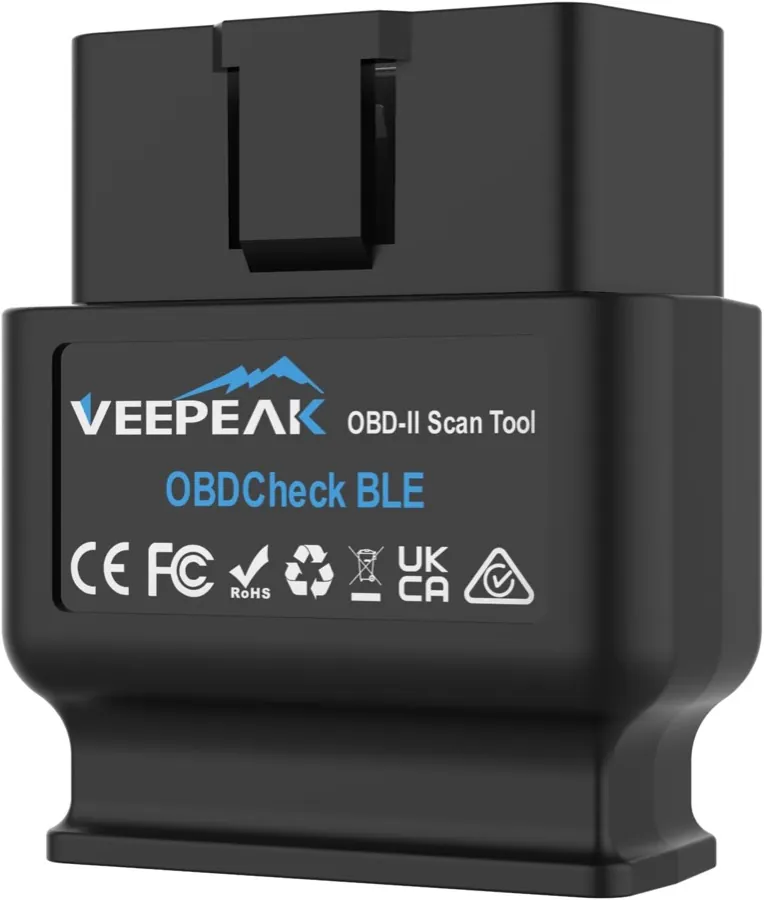
Bluetooth LE · Best starting point
- ✓ Standard chipset, works with iPhone and Android
- ✓ Reads standard and most manufacturer data
- ✓ The adapter EngineIQ is developed against
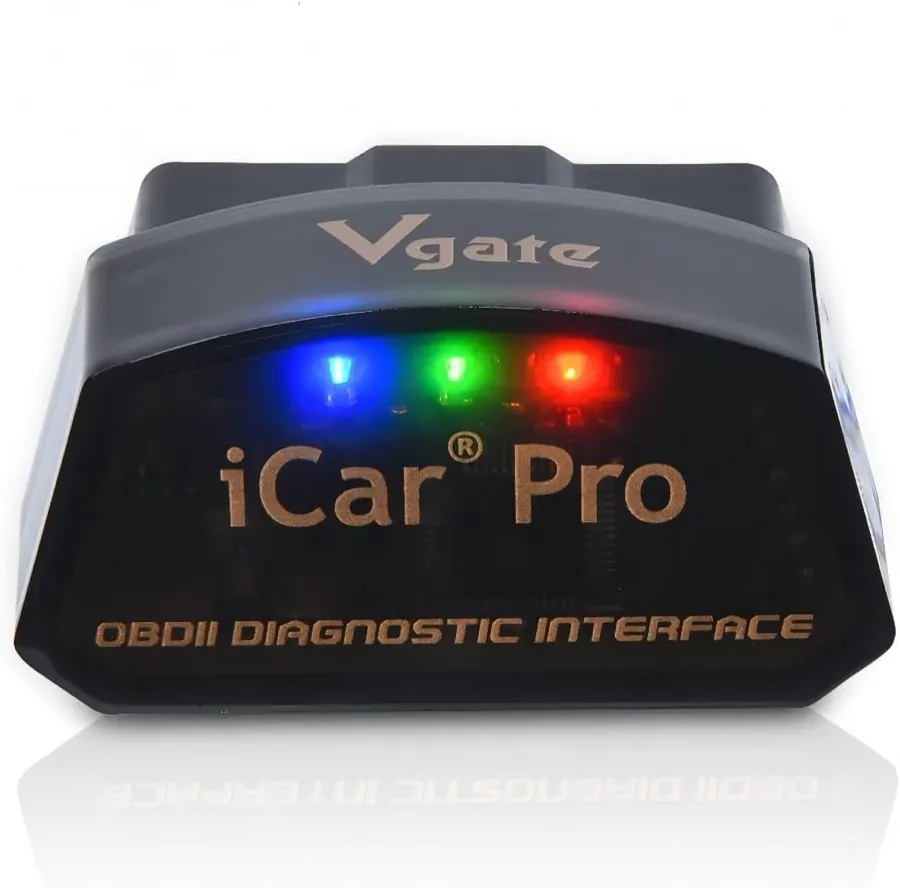
Bluetooth LE · Best for leaving plugged in
- ✓ Sleeps automatically, so it won't drain the battery
- ✓ Physical switch to fully cut power
- ✓ Compact enough to leave in the port
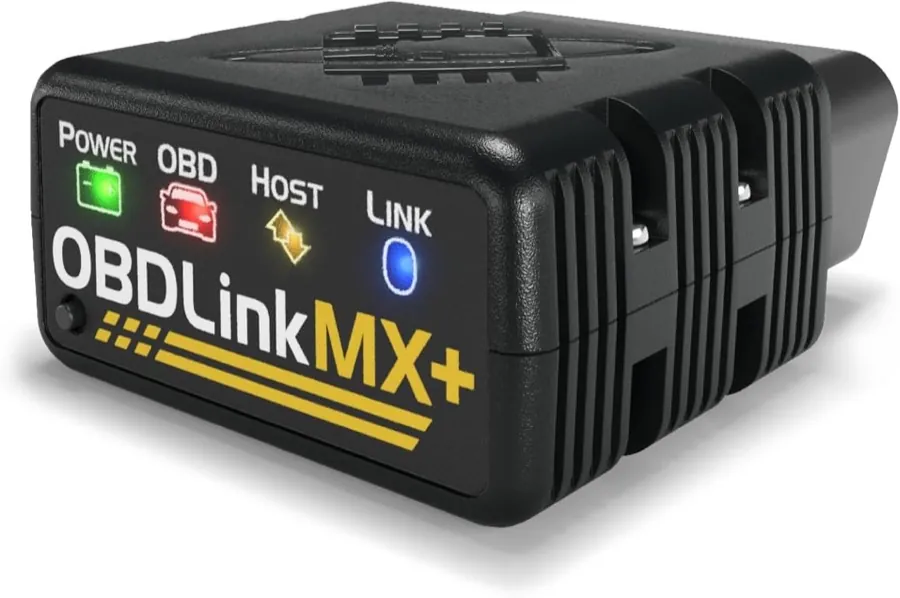
Bluetooth LE + Classic · Best for a working shop
- ✓ Substantially faster sampling for live data
- ✓ Widest manufacturer-specific coverage
- ✓ Genuine hardware with real support
EngineIQ earns a commission from qualifying purchases made through these links, at no extra cost to you. We recommend these adapters because we've tested them — the commission doesn't change what appears here.
A word on very cheap adapters
Sub-$15 ELM327 adapters are usually clones. They tend to drop commands, respond too slowly for live data, and often can't read manufacturer-specific parameters at all — which is exactly the data a real diagnosis depends on. They may connect and still give you an incomplete picture.